
Why Some Games Feel Alive
One of my favorite parts of the video game design process is adding the juice. This is the process of bringing the game alive by making sure it feels responsive to everything the player interacts with. In games, “juice” can be anything from sound effects, wobbles, particle effects, screen shakes, bounces, stretches, controller vibration, and lightening changes. Its mostly small visual and audible effects that makes the game feel more … satisfying, all without changing the core gameplay mechanics.
The juice isn’t just added at the end of the design process. We think about it all along the way, but there is something exciting about playing the game toward the end of the design to phase and looking for dead spots that we can bring alive.
Why juice matters
Juice is more than just about making the game more satisfying. It is also about giving the player feedback that makes sense of the interactions. Of course, if a player feels like the game is more alive and fun, they are likely to engage more with it and this matters a lot for educational games. We want to helps players feel connected to the game world and gives weight or emotion to their actions.
This video, Juice it or Lose it by Martin Jonasson & Petri Purho is a classic case study and argument for taking the time to invest in juicing up a game.
Juice is a very creative process - there isn’t a laundry list of what to do. Because it is about bringing the game world alive, the type of ideas we have for adding responsiveness should be an outworking of that world.

Layers of Juice
Visual Feedback
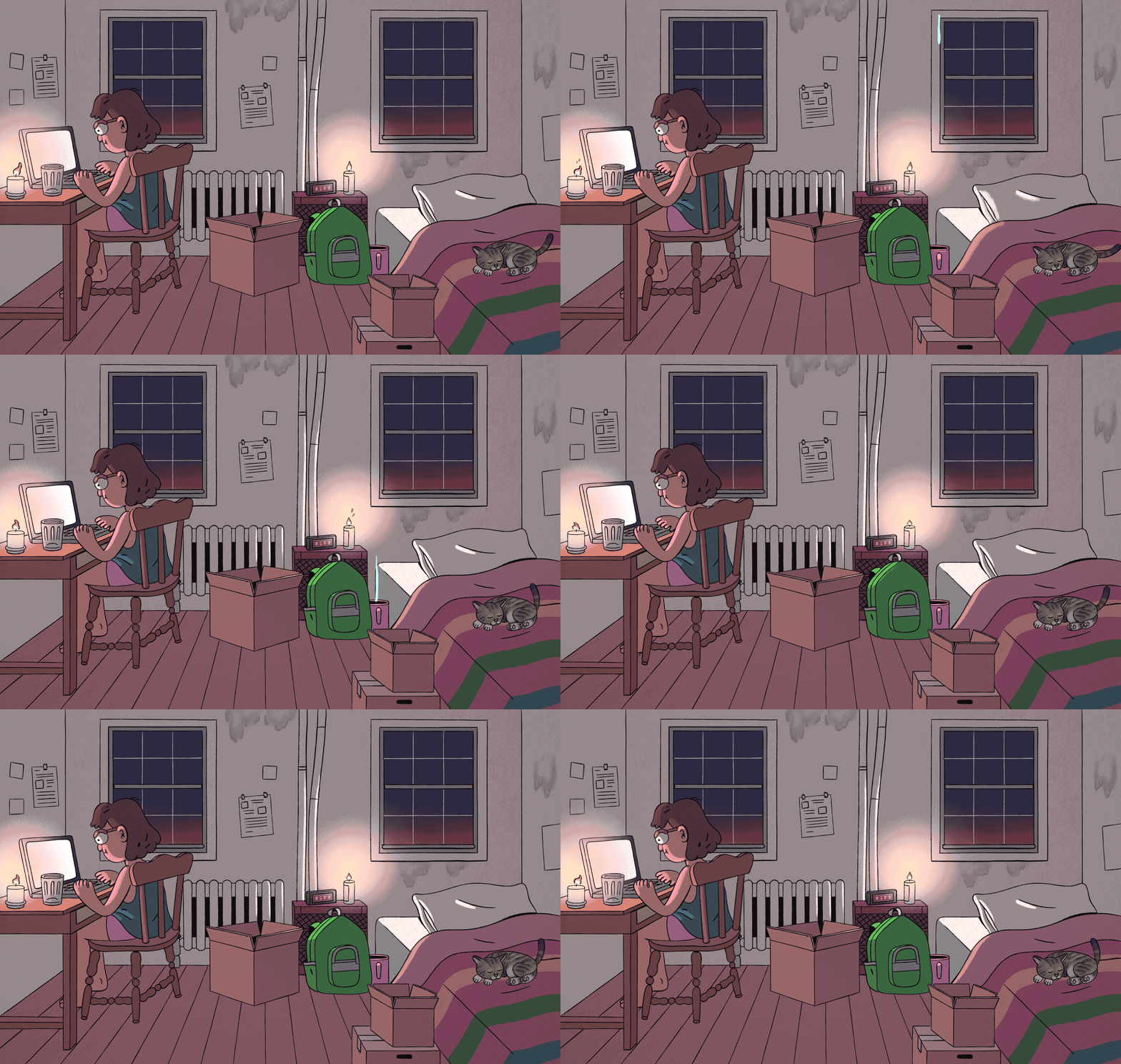
Particle animations, bursts of color, and small movements all signal responsiveness. Tiny flourishes like a button shifting, glowing, or snapping into place, reinforce each action and make the system feel alive.
When a game lacks visual feedback, interest fades quickly. But that doesn’t mean you need complex animation systems. Small moments go a long way.
Some of the most effective juice is minimal. A slight movement, a quick flash, a subtle shift—these can be surprisingly satisfying.
Juice on a budget is often the best kind of juice.
Color Feedback
Color becomes part of juice when its not just about making the game look better but it’s making interactions to feel immediate and legible. When a player acts and the system responds with a clear, meaningful shift in color, that feedback lands instantly. It reinforces understanding while also making the experience feel more alive.
Color is a key tool for managing cognitive load. A game introduces a large amount of new terminology. InHeadlines and High Water, students have to make sure they have the right balance in their stories and we used color to indicate each kind of element. This way, color help to form associations and recognize patterns without high cognitive load.
Any game that feels like it has a lighter cognitive load really does feel more juicy.
Audio Feedback
When designing educational games, audio feedback is always paired with visual redundancy—both for accessibility and because many players have the sound off.
This creates a real constraint. Sound is one of the fastest ways to make an interaction feel responsive. A small click, a soft chime, a subtle shift in tone—these signals confirm that the system has registered the player’s action almost instantly.
Because of that, we treat audio as a layer that reinforces clarity rather than carrying it alone. The visual system has to stand on its own, but when sound is available, it deepens the sense of responsiveness and immediacy.
Music and Atmosphere
rainy day in cherry town
Cy Peck, Theme for Headliens and High Water
Music does a different kind of work. It doesn’t respond to individual actions so much as it shapes the emotional field the player is moving through.
A good score gives coherence to a space. It can signal tension, curiosity, calm, or urgency before anything explicit happens. In this way, it prepares the player to interpret what they encounter.
We think of music less as background and more as environmental framing. It sets the tone for how the world should be experienced, and it can subtly shift over time to reflect progression or change.
When it works, the player doesn’t notice the music directly—they feel it as part of the world itself.
Freedom of Movement
Freedom of movement might not seem like a juice element but when I think about a place feeling alive and responsive and satisfying, nothing is less satisfying than feeling frozen in place or locked out of something you can see is supposed to be reacting to you. Obviously you don’t want to unlock everything at once, so this is a design tension.
One of the tricky places we deal with in every game is how constrained to make the tutorial. There are some places we want to keep the player locked in, but this can create frustration so we try to be very careful. During longer Voice Over sections of the game we tried to allow the player as much freedom to explore the game space as possible. We wanted lots of items to interact with so they could continue to listen without feeling like they were being nailed down.
In the video shown above, the player enters a scene with a beautiful ship wreck and would obviously want to explore. After working on this we created obvious points for the player to click that would allow them as much freedom of movement as we could offer while not breaking the UI or the budget.
Screen Wobble
What makes wobble powerful is that it sits right at the intersection of feedback and feeling. It tells the playersomething happened, but it also tells them how it happened. A sharp, quick shake can communicate impact or urgency. A slower, more elastic wobble can feel playful or organic. These distinctions matter because they shape how the player interprets the world, even if they’re not consciously aware of it.
At its core, wobble is about giving physicality to digital space. A slight shake when something lands, a soft bounce when a button is pressed, a stretch when an object is dragged—these micro-movements signal that the world has weight and elasticity. Without them, interactions can feel flat or disconnected, like pressing keys on a dead interface.
Of course, its funny to make the whole world wobble when in real life the object, or even the person is the one who would wobble. It gives you a sense of immersion, which is a big part of what makes something juicy.
Cut Scenes
Cut scene from Legend of the Lost Emerald, showing the moments right before the ship that the players are investigating, is wrecked.
It’s easy for cut scenes to feel disconnected, like something layered on top of the game rather than emerging from it. Too often they function as exposition dumps or as a way to loosely stitch levels together.
For us, the key shift is to think of a cut scene as a reward.
InLegend of the Lost Emerald, we designed the end-of-level moment to give players access to the one thing they couldn’t see during play: the past. After spending the level investigating the wreck, the player is rewarded with a glimpse of the ship before it was destroyed. This isn’t new information delivered abstractly…it’s a payoff. It reframes everything they’ve just done.
We use cut scenes to reveal parts of the world that are structurally inaccessible during gameplay but constantly hinted at. The player encounters fragments, traces, and clues while playing, but the cut scene allows those fragments to cohere into something briefly visible. This creates a sense that the world extends beyond what can be directly interacted with.